


Insta360 + Matterport: The Game-Changer for Dubai Real Estate Virtual Tours
The Dubai real estate market is fiercely competitive. In 2026, listings that only feature static, polished photographs aren’t enough. Modern buyers, especially international investors, expect to explore a property remotely before booking a viewing.
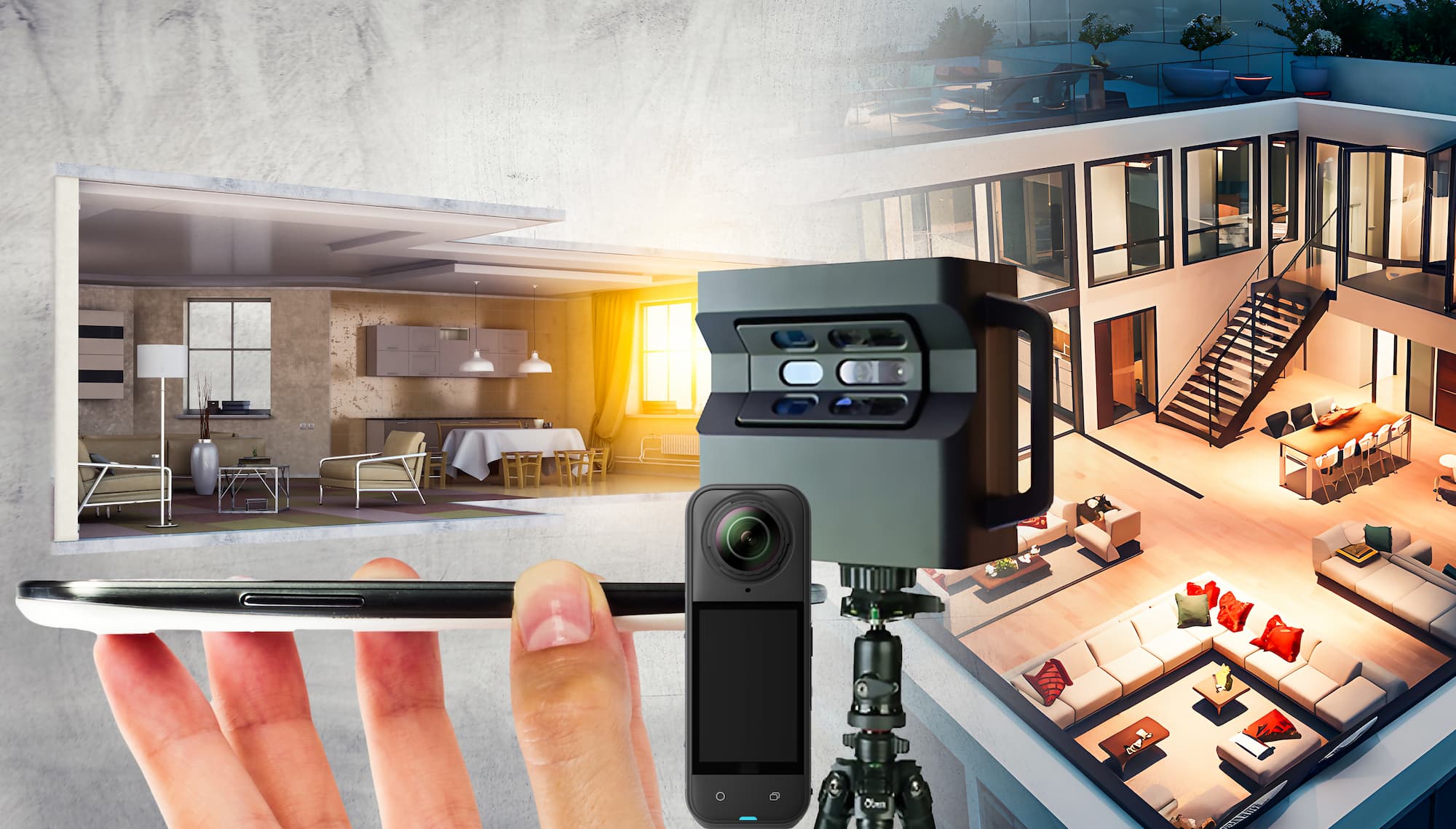
Until recently, creating an immersive Matterport “digital twin” – famous for its signature “Dollhouse” view – required an investment of over AED 15,000 for specialized LiDAR hardware like the Matterport Pro3.
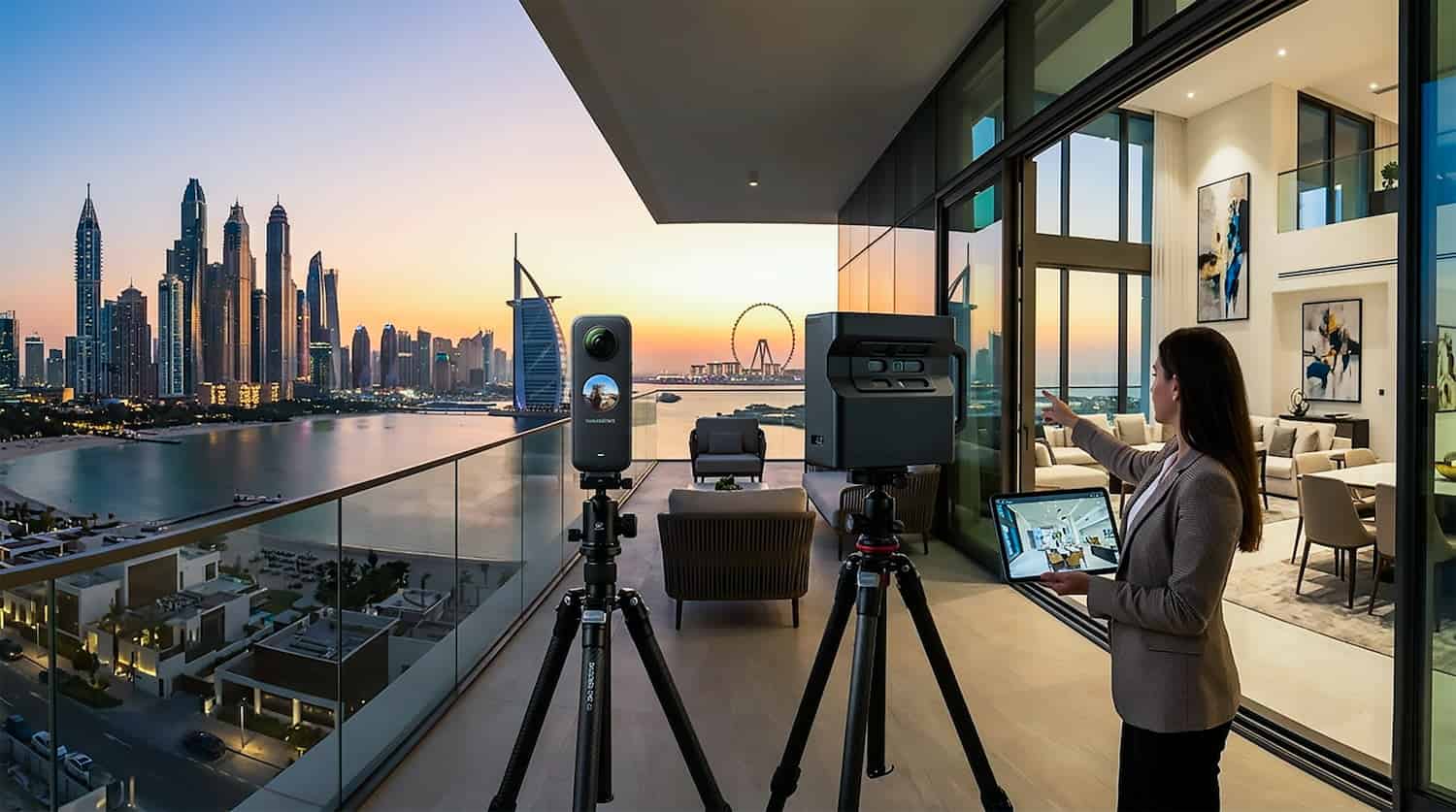
That has changed. As of March 2026, the Insta360 is a fully supported camera for Matterport, offering agents a massive competitive advantage: creating high-quality 3D virtual tours at a fraction of the traditional cost. This guide will show you exactly how to do it and why this combination is a game-changer for your Dubai listings.
Why Combine Insta360 with Matterport in Dubai?
The Insta360 is primarily known as an action camera, but its dual-lens design makes it surprisingly capable for interior capture. When paired with Matterport’s world-leading “Cortex AI” software, it transforms into an efficient real estate scanner.
1. Extreme Affordability (High ROI)
The primary benefit is cost. While a Pro3 camera costs thousands of dirhams, the Insta360 retails for approximately AED 1,700 – AED 1,800. You can host your first 5 active listings on a Matterport “Starter” plan for just $9.99 (AED 37)/month.
For the price of a single traditional video shoot, you can equip your entire team to scan properties.
2. Speed and Portability
Dubai properties can range from compact JVC studios to sprawling mansions in Emirates Hills. The Insta360 is tiny and lightweight. A typical 2-bedroom apartment can be scanned in under 20 minutes. The setup time is nearly zero, just turn it on and mount it to your tripod.
3. The Matterport Signature View
Even when using a 2D camera like the Insta360, Matterport’s AI analyzes the images to estimate depth. This allows you to generate the famous 3D “Dollhouse” model, giving buyers a sense of the property’s flow that standard 360° photo slideshows cannot match.
Step-by-Step Guide: Creating a Tour with Insta360
Creating a virtual tour is straightforward. Before you begin, make sure your Insta360 has the latest firmware and that you have a high-quality, formatted MicroSD card inserted.
What You’ll Need For Dubai Real Estate Virtual Tours Using Insta360 + Matterport:
- Insta360 Camera
- Standard photographic tripod with a 1/4″ screw mount
- Smartphone or tablet with the Matterport Capture App (iOS or Android)
- Active Matterport account (Free or Starter)
The Scan Process:
- Prep the Space: Clear all clutter. Turn all lights on, open all curtains, and ensure all internal doors are open.
- Mount and Power: Secure the camera to your tripod. Set the tripod height to approximately 1.5 meters (around eye level). Turn the Insta360 on and ensure it is in 360 mode (not 150 or flat mode).
- Connect: Open the Wi-Fi settings on your phone/tablet. Select the Insta360 Wi-Fi network to connect your device directly to the camera.
- Launch the App: Open the Matterport Capture app. Tap “Connect to Camera.”
- Create a Job: Tap the (+) icon to start a new scan job. Name the listing (e.g., “Marina Penthouse 404”).
- Scan the Room: Position the tripod in the center of the first room. Hide from view (e.g., go behind a wall or into a hallway). Tap the “Capture” icon on your phone screen. The camera will take a panoramic photo and automatically transfer it to the app.
- Mark the Floor Plan: After the scan is complete, look at the minimap on your screen. Drag the scan point to its rough position in the floor plan to help the AI align the rooms.
- Repeat: Move the tripod to the next scanning position. A good rule of thumb is to place the tripod 2 to 3 meters apart for proper alignment, and within view of the previous scan.
- Upload: Once you have captured the entire property, connect your device to a standard Wi-Fi network with internet access and tap “Upload” within the app.
Matterport’s cloud servers will process the images, generate the 3D model, and email you a link to the finished virtual tour, usually in under an hour.
Limitations to Keep in Mind (360° vs. LiDAR)
While using an Insta360 is revolutionary for its cost, it is essential to understand the trade-offs compared to professional LiDAR scanners.
- Precision and Measurements: Because the Insta360 generates depth data from 2D images, the measurement tool in the tour is less precise. For a high-end mansion where exact square footage measurements are required, a LiDAR-based Pro3 is still the standard.
- Image Quality in Low Light: Consumer 360 cameras have smaller sensors. While they look great in well-lit Dubai properties, they can struggle with noise and clarity in very dark rooms compared to the superior low-light performance of the Pro-level cameras.
- Alignment Errors: In large, open spaces, consumer 360 cameras can sometimes suffer from “alignment failures,” where the software cannot determine where you are. To mitigate this, keep your scan points closer together.
Verdict on using Insta360 and Matterport for Dubai Real Estate Virtual Tours
If you are listing standard residential apartments or townhouses in Dubai, the combination of Insta360 and Matterport is the highest-value tool in your marketing arsenal. It provides an expensive-looking, immersive experience at a budget-friendly price point, helping you win listings and close buyers faster.
Frequently Asked Questions on Insta360 + Matterport – Dubai Real Estate Virtual Tours
1. What is a Matterport 3D virtual tour?
A Matterport tour is an immersive, interactive 3D digital twin of a property. Unlike a standard video, it allows viewers to “walk through” a home at their own pace, exploring every room from multiple angles. It includes unique features like the Dollhouse View (a 3D floorplan perspective) and interactive Mattertags (informational pop-ups).
2. Why is the Insta360 used for these tours?
The Insta360 is a powerful, portable 360-degree camera that is fully compatible with the Matterport app. It is ideal for Dubai’s fast-paced real estate market because it allows for high-quality, 5.7K resolution captures in a compact form, making it easy to scan apartments and villas quickly without bulky equipment.
3. How do virtual tours benefit Dubai real estate listings?
Increased Engagement: Listings with virtual tours receive significantly more clicks and views on platforms like Property Finder and Bayut.
Global Reach: It allows international investors – a huge demographic in Dubai – to “visit” a property without traveling.
Qualified Leads: Viewers who request an in-person viewing after seeing the 3D tour are usually much more serious, saving time for both agents and sellers.
Technical & Process Questions
4. Can I view the tours on my mobile phone?
Yes. Matterport tours are fully responsive and mobile-friendly. They can be viewed on smartphones, tablets, and desktops via a simple web link, with no special software required.
5. How long does a scanning session take?
The duration depends on the property size. A standard 1–2 bedroom apartment in areas like Dubai Marina typically takes 30 to 60 minutes. Larger villas or penthouses in Palm Jumeirah or Emirates Hills may take 2–3 hours.
6. Can I get floor plans from the virtual tour?
Yes. Matterport technology can generate highly accurate schematic floor plans with measurements directly from the 3D data captured by the Insta360.
7. How quickly will I receive the final tour?
The processing time is very efficient. Once the scanning is complete, the digital twin is typically ready to be shared or embedded within 24 to 48 hours.
Pricing & Services
8. What is the cost of a 360-degree virtual tour in Dubai?
Standard 360 virtual tours for residential units typically range from AED 300 to AED 800, depending on the size of the property and any additional features like professional photography or virtual staging.
9. Can virtual tours be integrated into property portals?
Absolutely. The tours are designed for easy integration with major UAE portals like Property Finder, Bayut, and Dubizzle, as well as social media platforms like Instagram and Facebook.
10. Do I still need professional photography if I have a virtual tour?
While a virtual tour is a “game-changer,” GVG Design recommends a combination of both. High-quality HDR still photos are essential for the initial thumbnail “hook,” while the virtual tour provides the deep engagement needed to close a lead.
Preparation
11. How should I prepare my property for the shoot?
To ensure the best 3D result:
Declutter: Remove personal items, family photos, and excess decorations.
Clean: Ensure all surfaces are spotless (the 21MP scans show great detail).
Lighting: Open all curtains and turn on every light in the house to help the Insta360 X2 capture the best dynamic range.
Leave A Comment